 PixelyChat
STREAM ALERTS
On-screen stream alerts without another service.
PixelyChat includes themed alerts for follows, subscriptions, gifts, raids and other supported events, with custom sounds, media and browser-source output.
Free on Windows, macOS and Linux. No subscription or ads.
Build alerts around your stream style
Choose a theme, customize events and use your own media where you want more personality. The alert system is designed to work across supported platforms instead of forcing a separate provider.
- Themes and variations
- Custom sounds and visual media
- Per-event message templates and variables
Designed for real-time event bursts
The alert system uses a queue so events can be shown without stepping on an alert that is already playing. Higher-priority events can move ahead of normal queued alerts.
- Queueing for normal events
- Higher-priority handling for epic moments
- Batching for bursty events such as gifted subs
Set up stream alerts
PixelyChat keeps the setup simple so you can get back to streaming.
Choose a theme
Start from a built-in theme or customize your alert setup.
Configure events
Tune follows, subs, gifts, raids and other supported events.
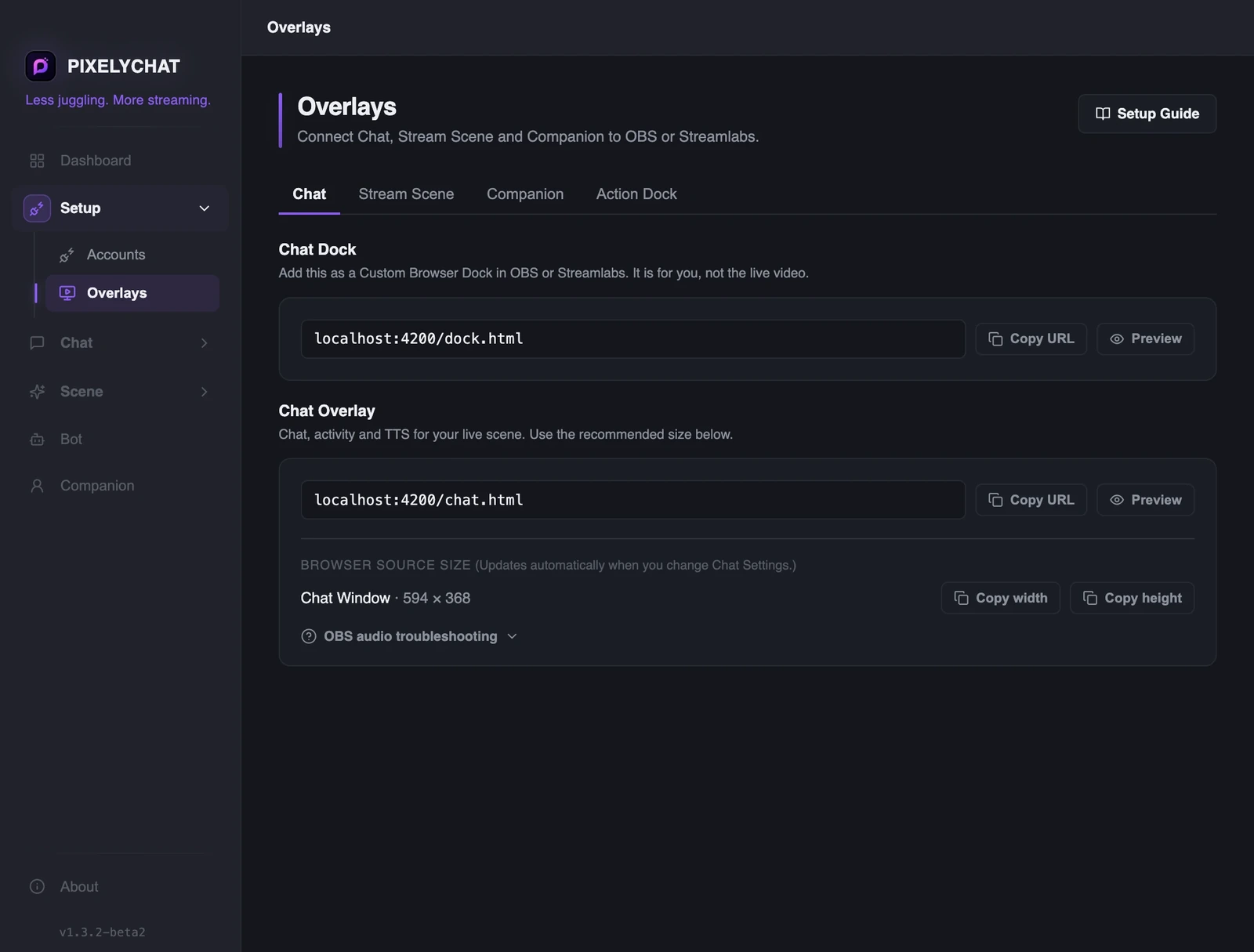
Add the browser source
Use the PixelyChat overlay URL in OBS or Streamlabs.
Frequently asked questions
Do I need StreamElements for PixelyChat alerts?
Can I use my own sounds or media?
Do alerts work for multiple platforms?
Explore more
Related PixelyChat guides and features.
Ready to simplify your stream?
PixelyChat brings your chat, TTS, translation, alerts and moderation into one desktop app built around the way streamers actually work.