 PixelyChat
KICK CHAT
Kick chat, without another browser tab.
Bring Kick chat into the same unified desktop workflow as your other connected platforms, with the tools you need around the conversation.
Free on Windows, macOS and Linux. No subscription or ads.
Why use PixelyChat for Kick chat?
PixelyChat keeps this platform inside the same desktop workflow you use for the rest of your stream.
Unified view
See this chat beside your other connected platforms.
Built for streamers
Use moderation, TTS, translation, emotes and overlays from the same app.
Free desktop app
Run PixelyChat locally on Windows, macOS or Linux.
Bring Kick into your main chat workflow
Bring Kick chat into the same unified desktop workflow as your other connected platforms, with the tools you need around the conversation.
- Connect your Kick account alongside other supported platforms
- Use platform-specific moderation and chat actions where supported
- Keep messages visible while you play
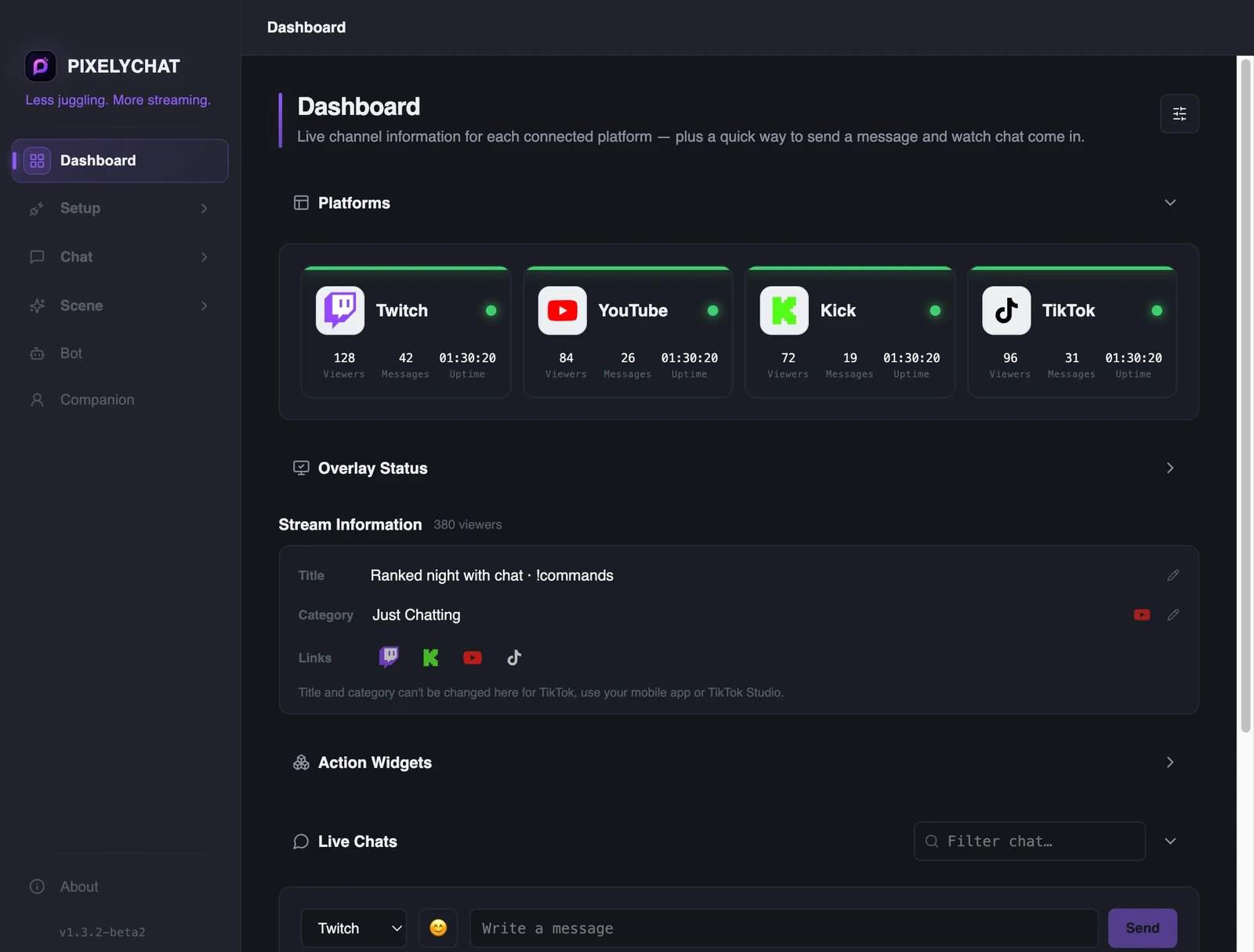
Do more than just read chat
PixelyChat adds the surrounding tools that make live chat easier to manage and more useful on stream.
- Custom OBS/Streamlabs chat overlays
- Configurable text-to-speech
- Live translation and on-screen alerts
Set up Kick chat
PixelyChat keeps the setup simple so you can get back to streaming.
Connect Kick
Sign in to your Kick account.
Configure the feed
Choose how chat, TTS and overlays should behave.
Stream
Keep one app open while your messages stay together.
Frequently asked questions
Does PixelyChat support Kick alongside other platforms?
Is PixelyChat free?
Can I use it with OBS?
Explore more
Related PixelyChat guides and features.
Ready to simplify your stream?
PixelyChat brings your chat, TTS, translation, alerts and moderation into one desktop app built around the way streamers actually work.